This guide outlines steps for managing course assignments. After configuring the course, set when lessons, homework, and quizzes will be due each week. Make sure to configure the course by choosing modules for each week in the Configure tab before setting assignments.
- Click Plan to manage assignments.
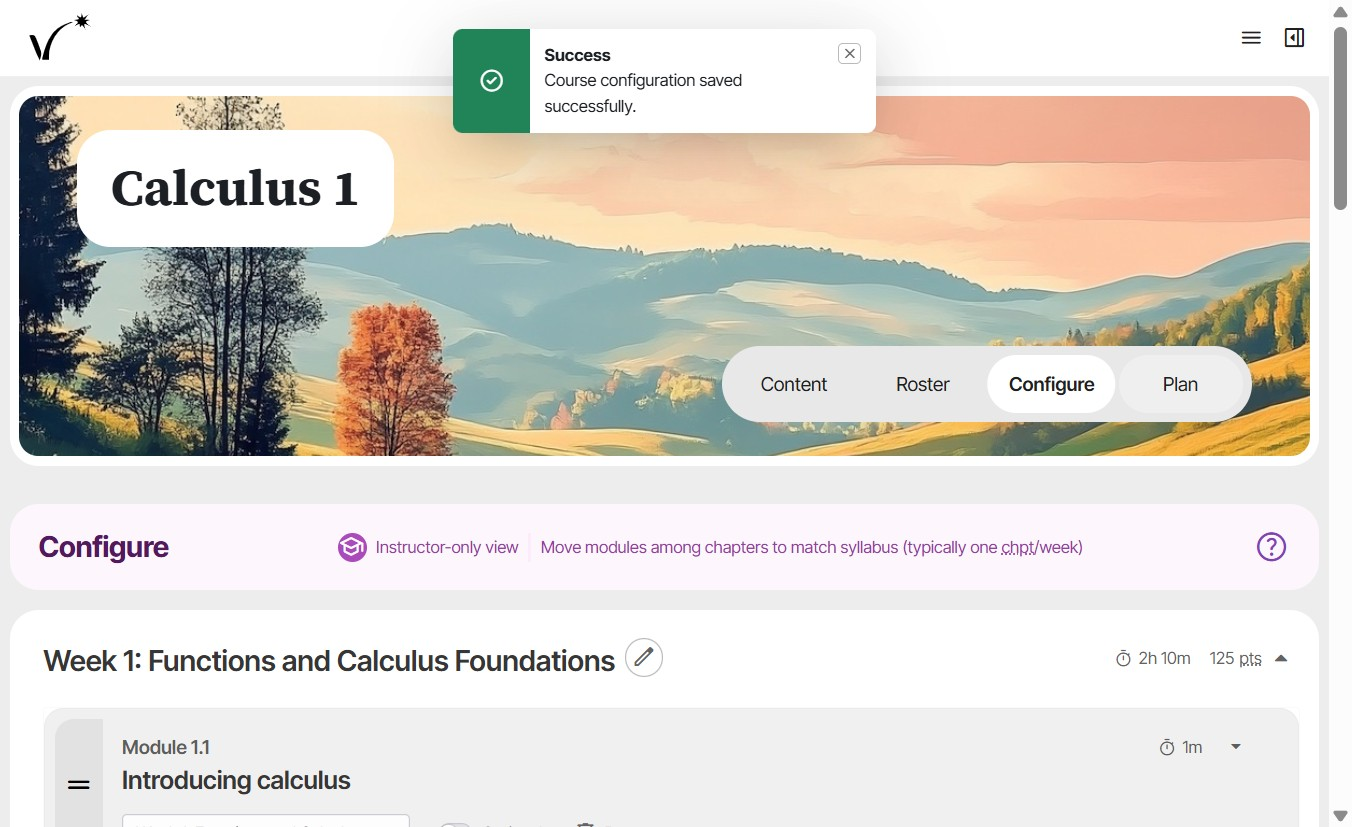
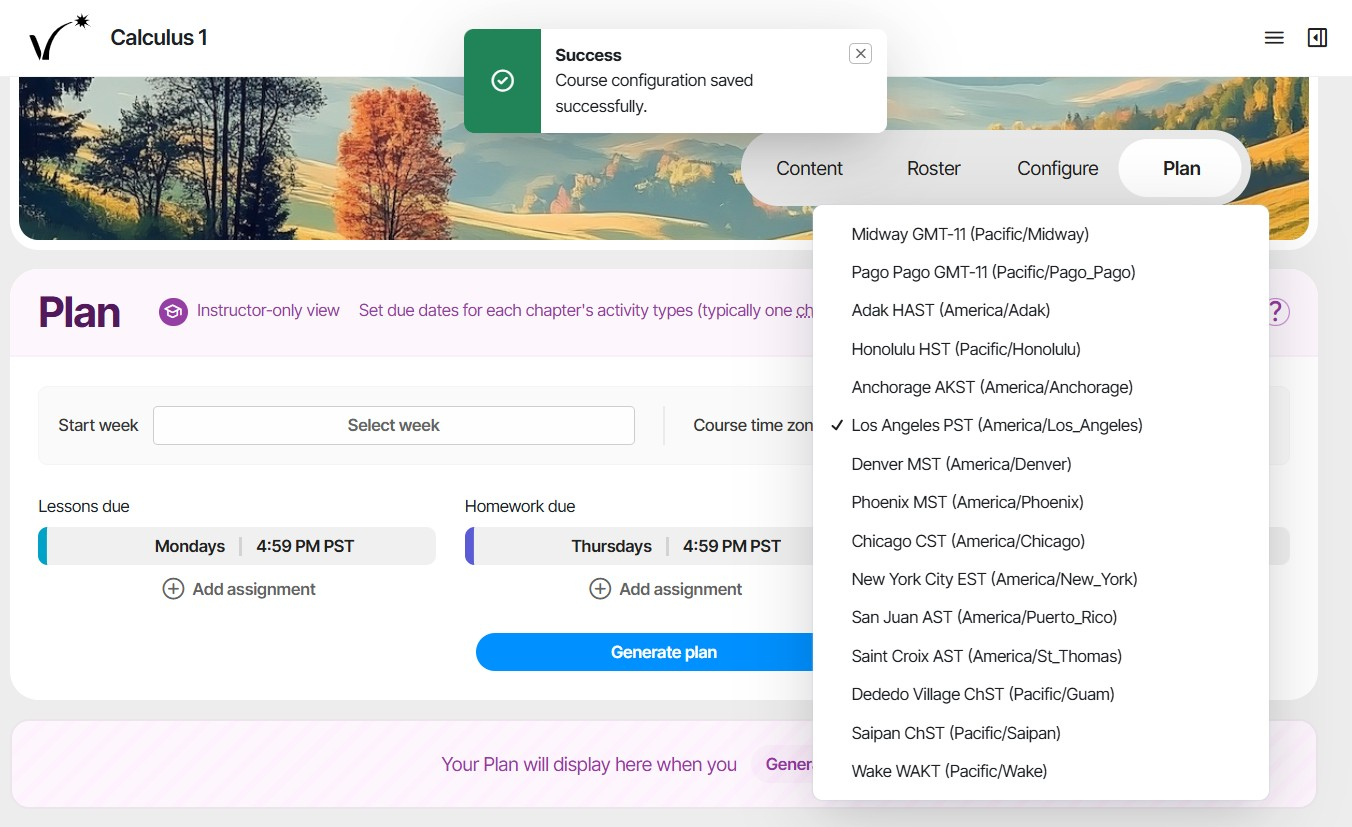
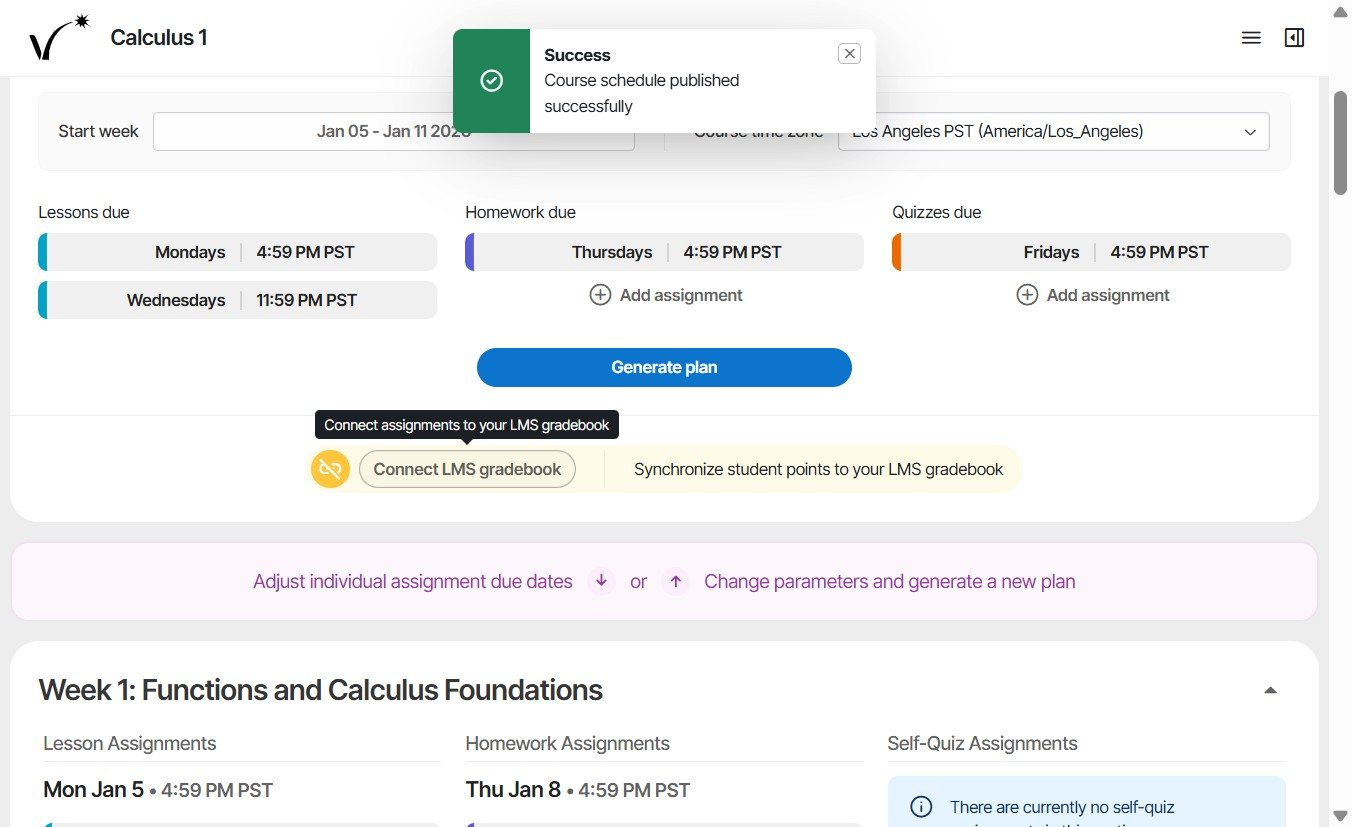
- Set the course time zone.
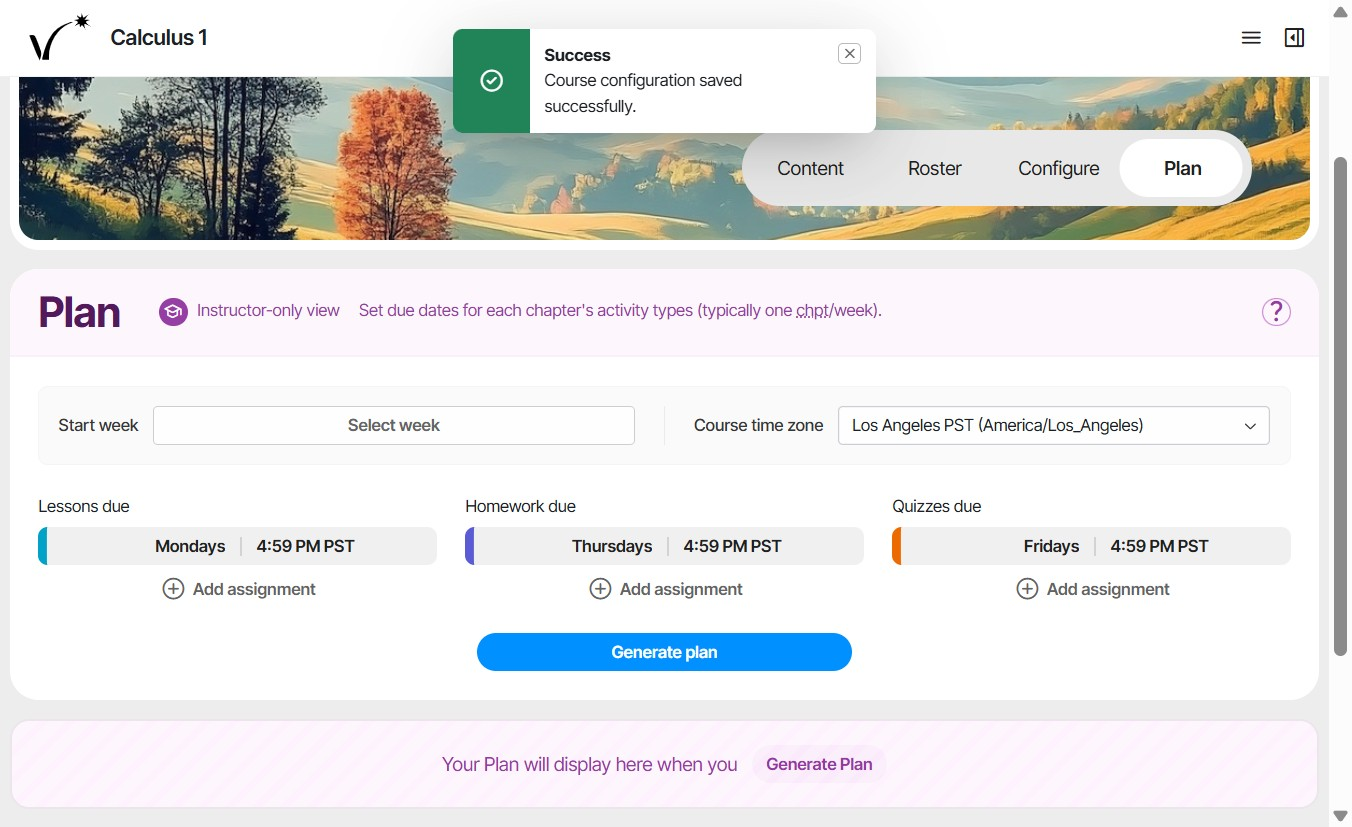
- Click "Select week".
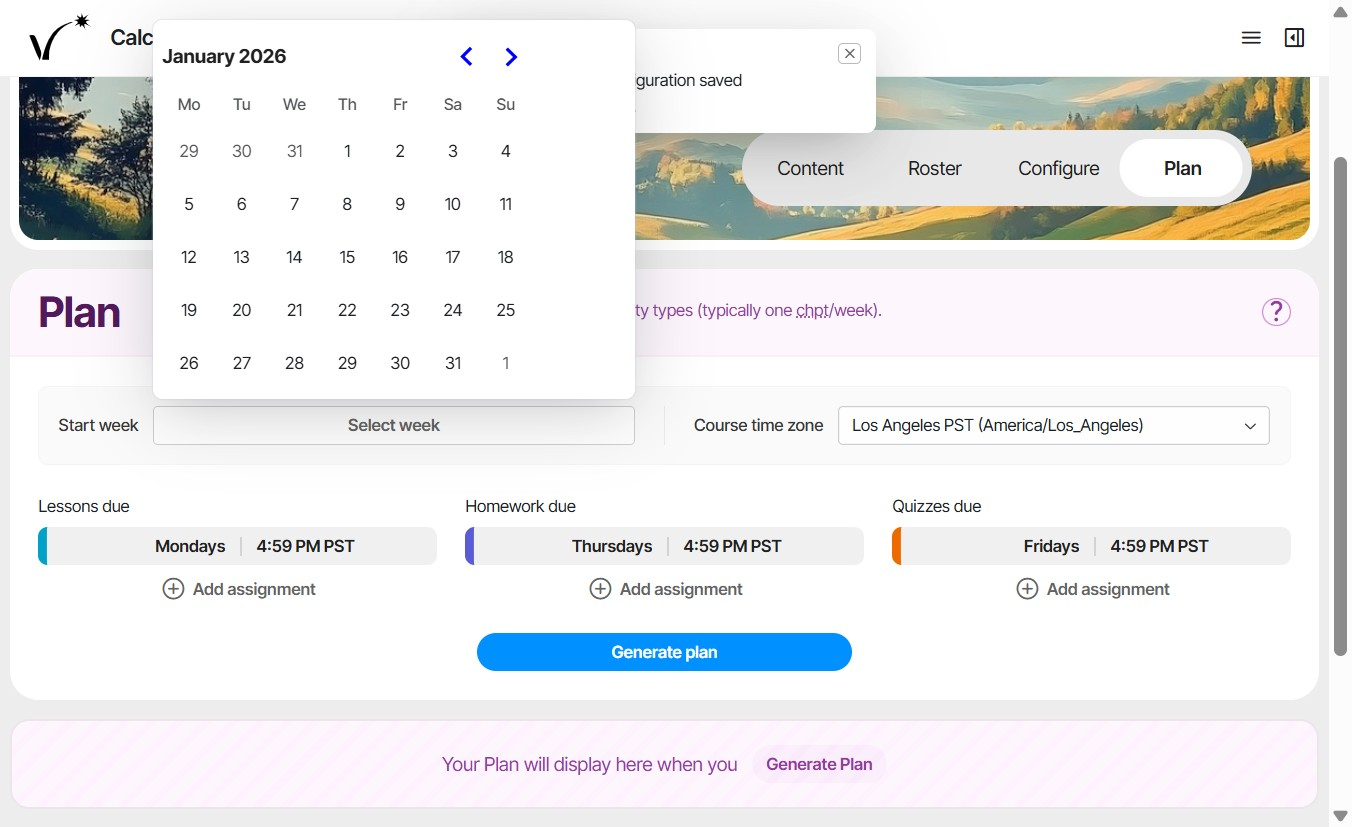
- Set the course start date.
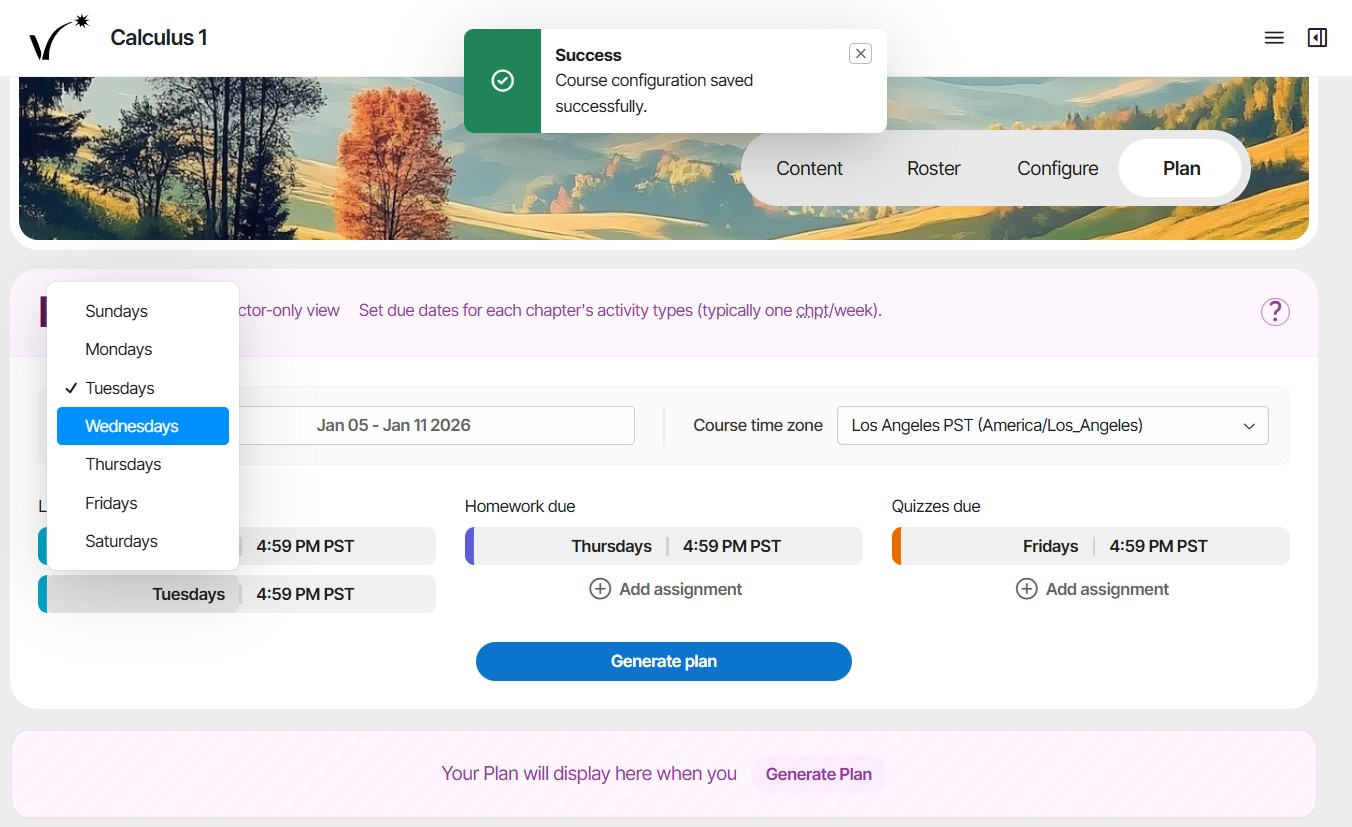
- Optionally add up to 5 weekly due dates for lessons, homework, or quizzes by clicking "Add assignment".
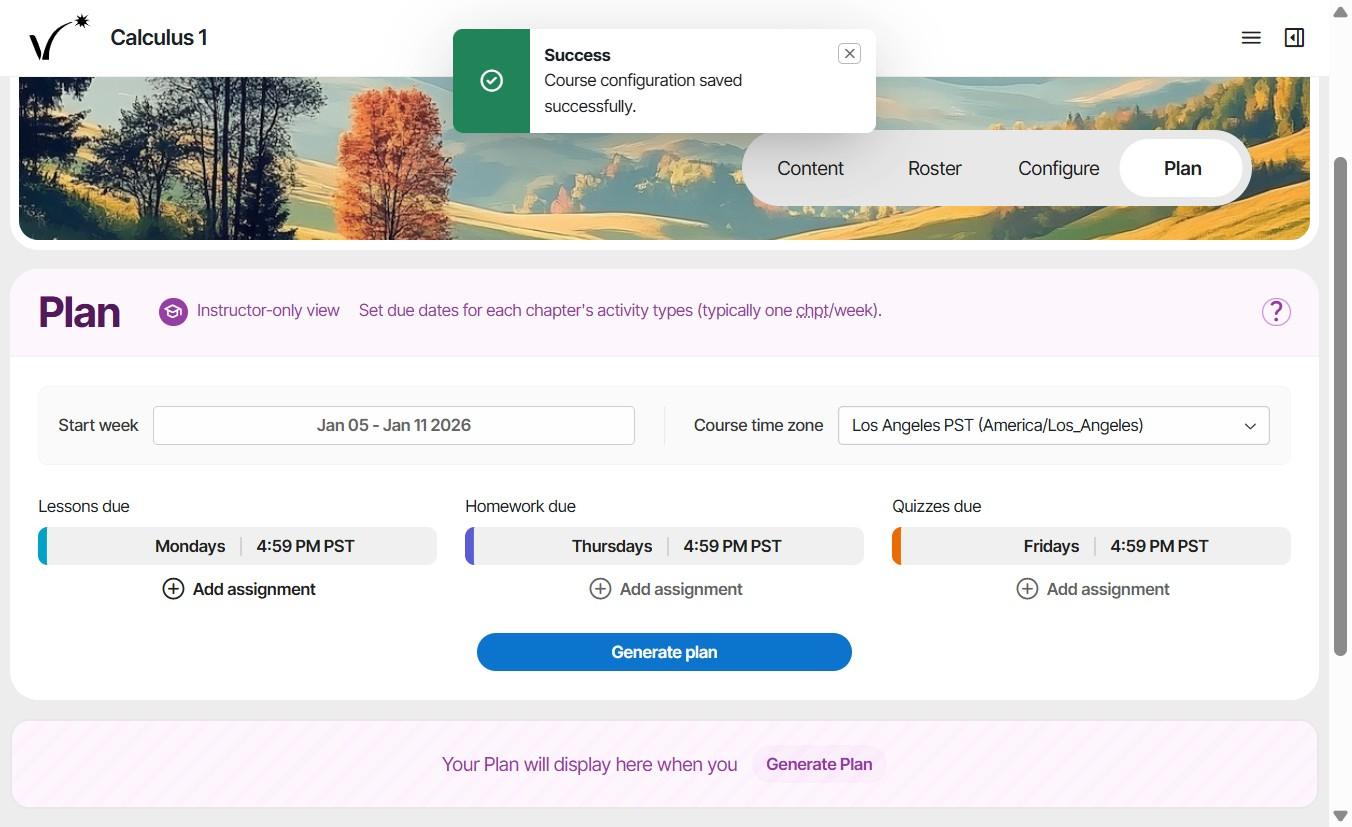
- Select weekly due dates and times for lessons, homeworks, and quizzes.
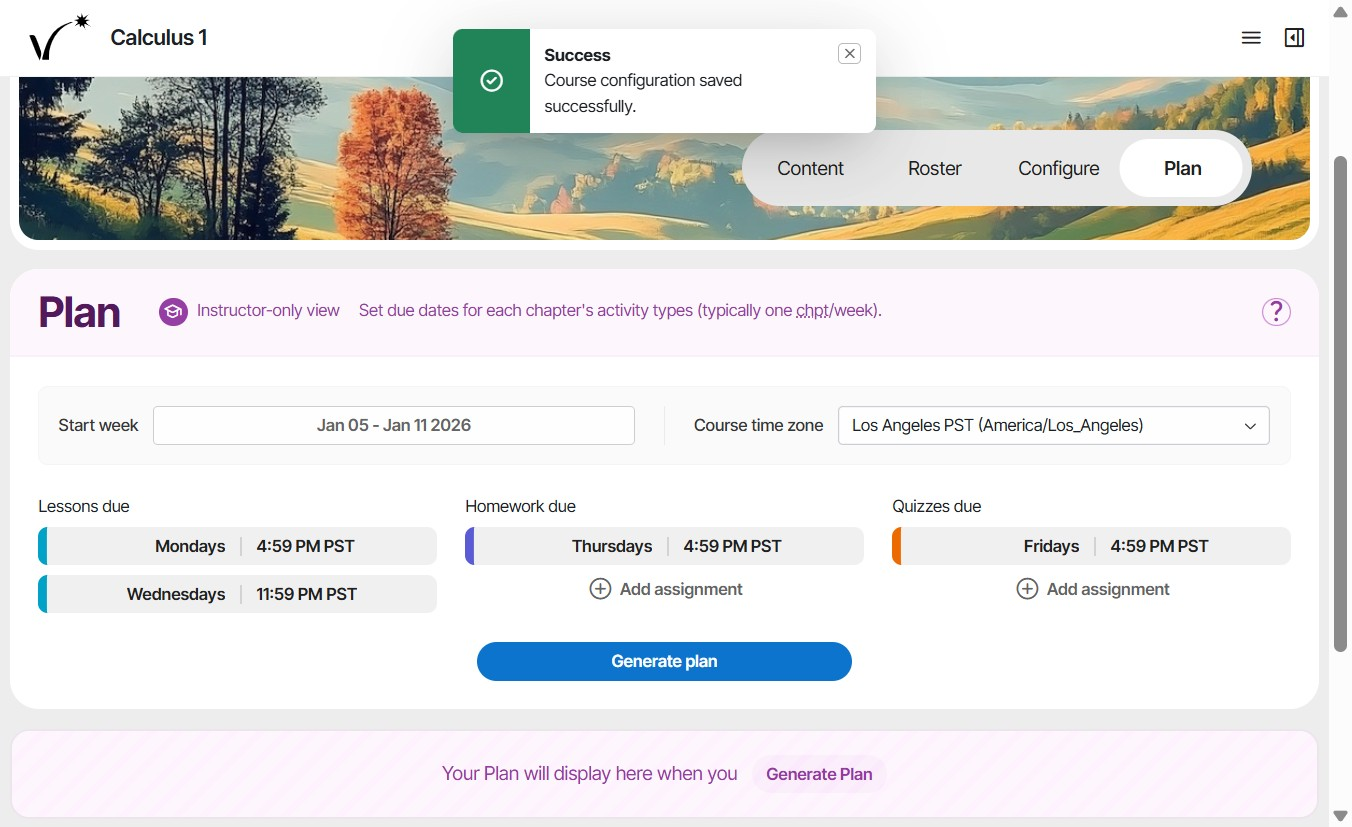
- Click Generate plan to generate due dates for weekly assignments.
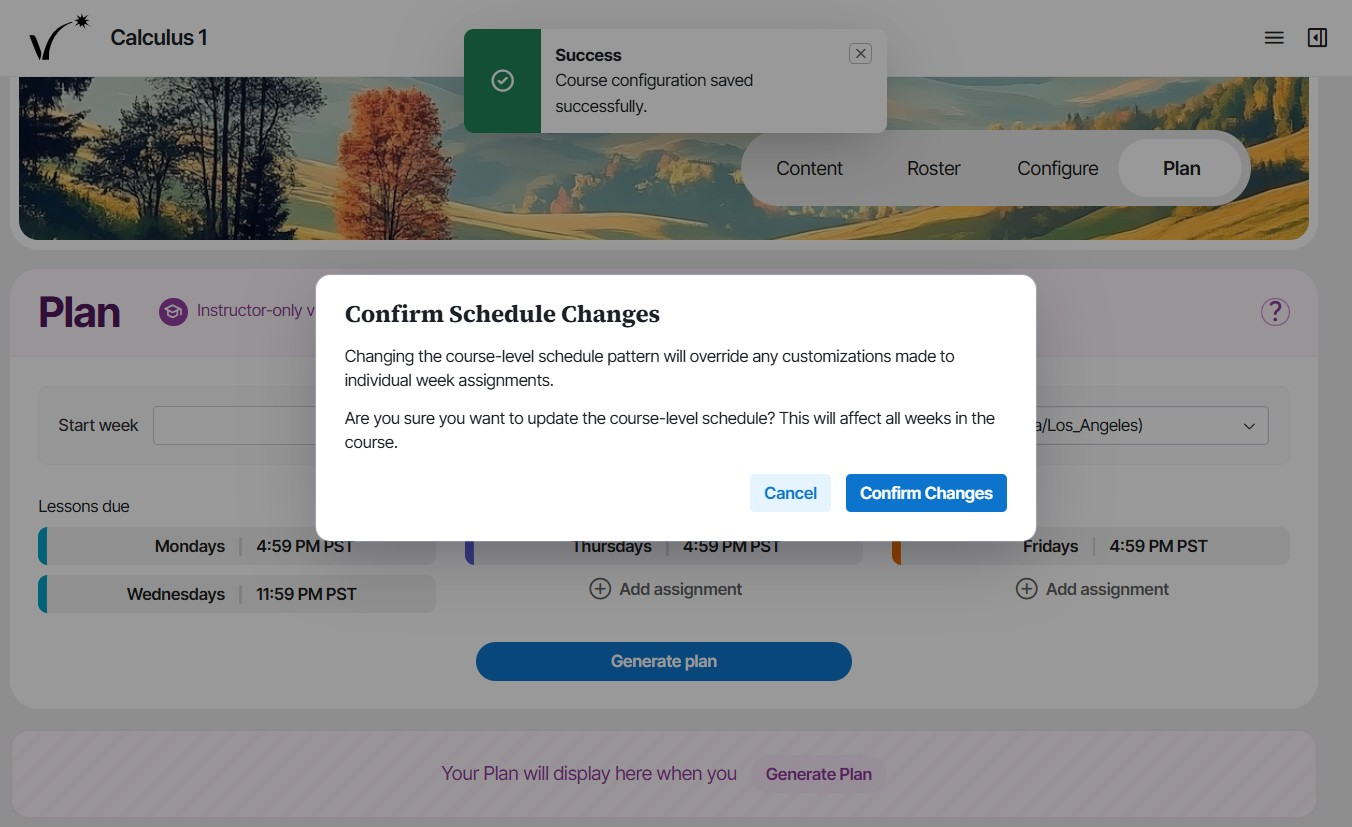
- Generating assignments overrides previous customizations. Confirm to continue.
- Adjust individual due dates as needed for holidays, extensions, or special cases by clicking on the date. A due date can be adjusted even after it has passed.
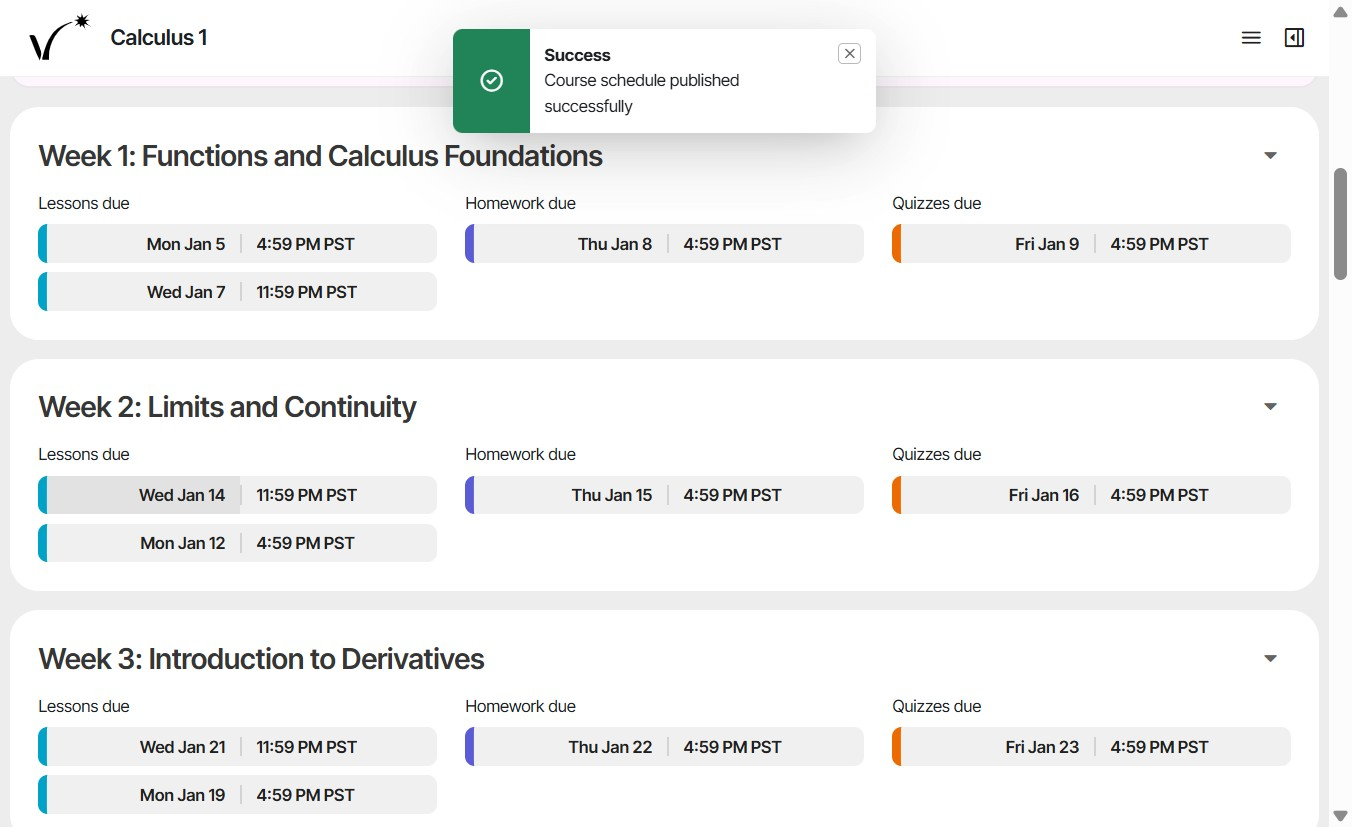
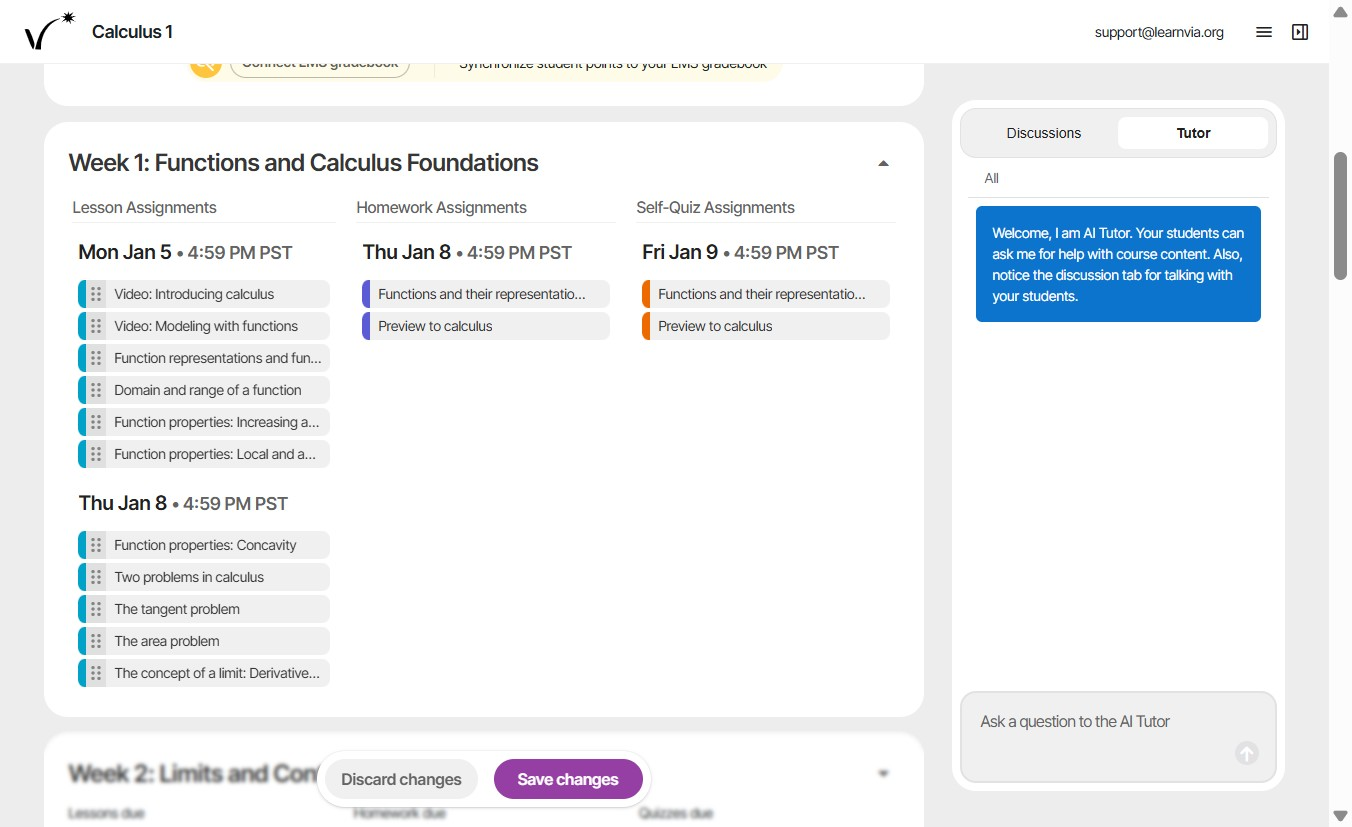
- Use the dropdown to view the assignments for a given week. Click and drag activities to divide them between the two due dates.
- Once the assignments are set up, they can be synced to the LMS gradebook. Click Connect to Gradebook.
Was this article helpful?
That’s Great!
Thank you for your feedback
Sorry! We couldn't be helpful
Thank you for your feedback
Feedback sent
We appreciate your effort and will try to fix the article