FOR INSTRUCTORS
Who this is for: instructors.
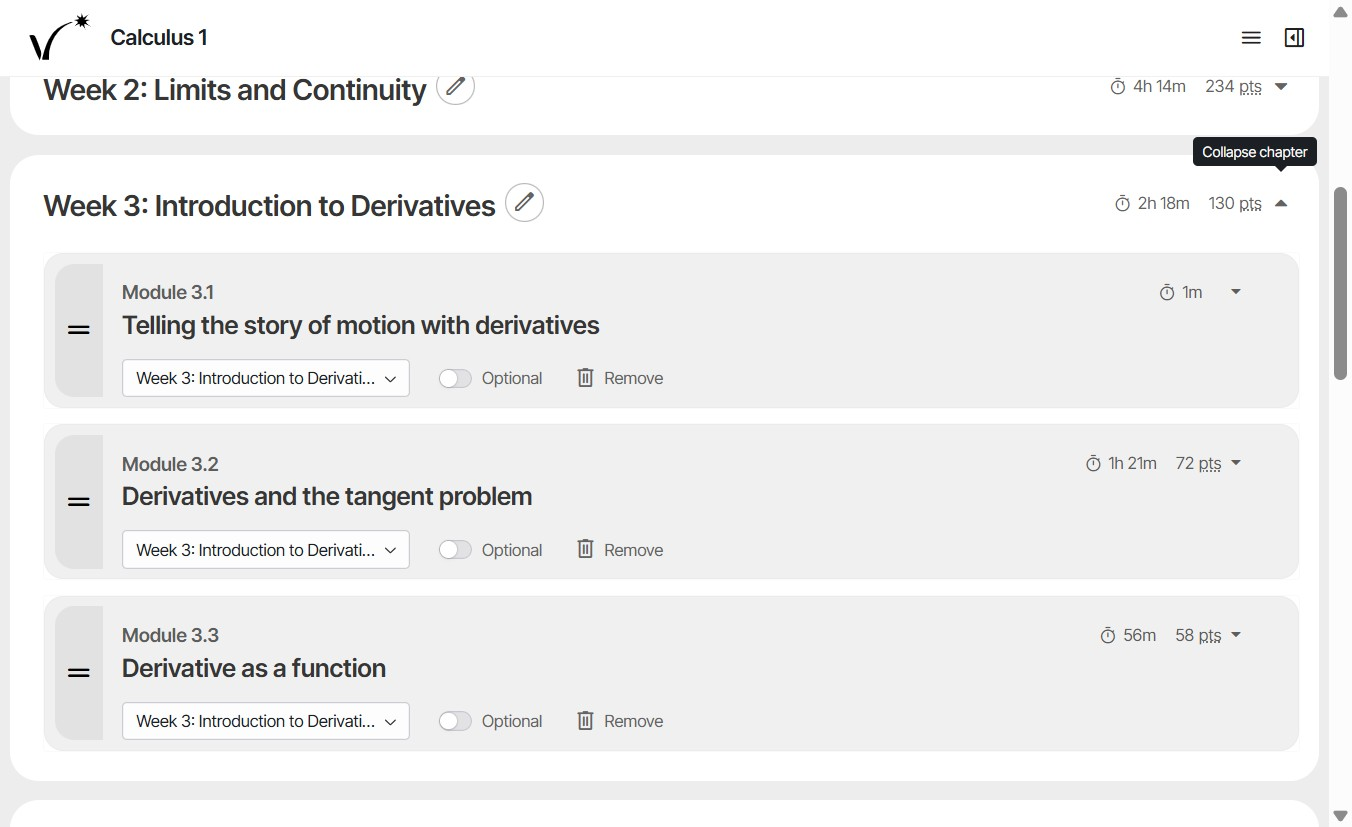
Instructors have a great deal of control. You decide what content (at the module level) is in the course, the order it comes in, when it is due, and how much it counts toward the final grade, which you set in your LMS gradebook. The questions in the lessons, homework, and self-quizzes in each module are written by Learnvia authors to build conceptual and procedural understanding, and they are the same in every course. Most homework and self-quiz questions are randomized, so students see different numbers from one another and on each new attempt. Lesson questions are not randomized.
| You can | Where |
|---|---|
| Start from a pre-built configuration for a 14-week, 10-week, or 8-week term, then adjust it | The Select your kit page, which appears the first time you open Learnvia from your course (unless your Kit was set up for you). If you decide you want to start from a different pre-built configuration than the one you originally selected, email support@learnvia.org to unlink your course from your LMS. |
| Reorder modules, move them to other weeks, and rename weeks | Configure |
| Hide or remove modules you don't teach | Configure |
| Mark modules Optional or Required | Configure |
| Add or remove chapters (weeks) | Configure |
| Set due dates for the whole term at once, with up to five due dates a week for each kind of work | Plan |
| Move any single due date for the whole class, even one that has passed | Plan |
| Give one student an extension | Plan |
| Choose how much Learnvia counts toward the final grade | Your LMS gradebook |
| Use Learnvia alongside your own exams, written homework, or in-class work | Your syllabus |
What stays fixed: the lessons, homework questions, and quizzes inside each module. Keeping them fixed means every student gets the same reviewed, aligned material. If you think something should change, click the Feedback button at the bottom of the question set. Learnvia's content team reviews every request.
Set up your weeks before students start. You can change due dates at any time. However, once any due date in a week has passed, that week's modules are locked, and nothing can be moved into that week, because moving them would change grades students already earned.
Step-by-step guides: Configure, Plan, and Extending deadlines. For ideas on how instructors use Learnvia, see Implementation approaches, and underlying principles.
Was this article helpful?
That’s Great!
Thank you for your feedback
Sorry! We couldn't be helpful
Thank you for your feedback
Feedback sent
We appreciate your effort and will try to fix the article