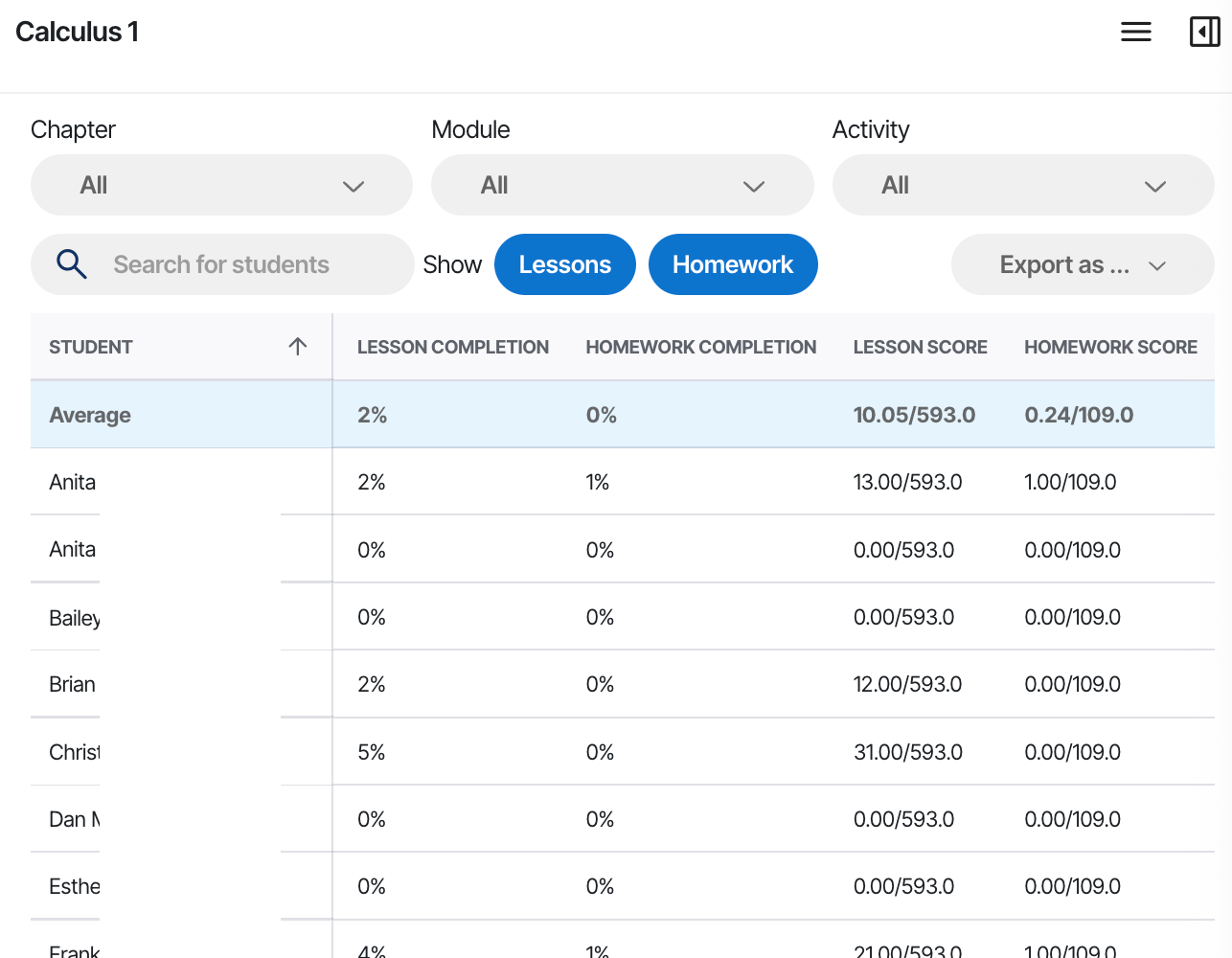
In the Roster view, instructors can see each student's completion by activity type, and those results sync to your LMS gradebook when you connect it. You cannot yet see a student's individual responses to specific questions at a per-student level. The Roster view below shows an example:
Class rollups in the Chapter Summary
Alongside the per-student Roster view, the Chapter Summary gives you aggregate views of how the class is doing. These include AI Tutor usage data, completion measured against each assignment due date, and the questions students are struggling with most.
These rollups describe the class rather than any one student, which makes them a quick way to decide what to cover in the next session.
AI Tutor conversations
You can also read the AI Tutor conversations from your class. Students are shown under anonymous labels such as Student A and Student B rather than by name. For what this means for students, and what you can and cannot see, read what your instructor can see about your AI Tutor use.
Was this article helpful?
That’s Great!
Thank you for your feedback
Sorry! We couldn't be helpful
Thank you for your feedback
Feedback sent
We appreciate your effort and will try to fix the article