FOR INSTRUCTORS
Who this is for: instructors.
Learnvia replaces the textbook and online homework system with one interactive Kit. It's free to students. Learnvia's content was written to be used on a screen from the start, rather than adapted from a printed book.
| Traditional textbook | Learnvia | |
|---|---|---|
| What students need | A textbook, often a separate homework system, sometimes a solutions manual | One Learnvia Kit, opened from a link in your LMS course |
| Cost to students | Often requires purchase of the book and/or an access code | Free |
| Reading | Long sections of text with static figures | Lessons, each expected to take 10 to 15 minutes, that mix brief text, short videos, and questions students answer as they go |
| Homework | End-of-section exercises in the textbook, or faculty-selected questions online (often in a different system) | Homework comes right after its lessons in the same module, so students can go back to the related lesson without leaving Learnvia |
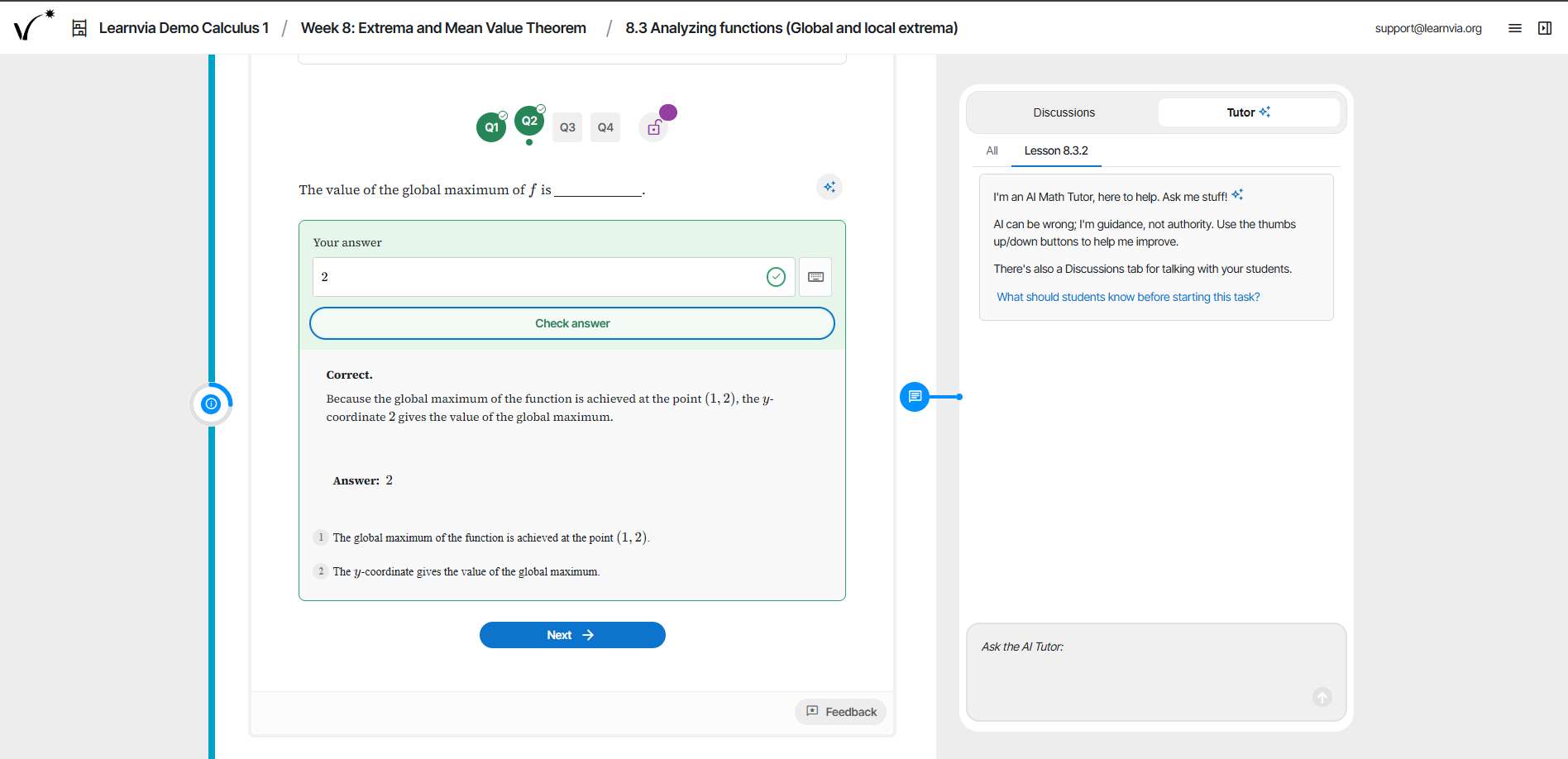
| Feedback | Students can see the correct answer in the back of the book (usually only for some problems) or in the online homework platform, sometimes with static worked solutions. Student-specific feedback usually comes from faculty comments on graded written work. | Instant feedback, hints, and answer explanations. In homework, a student who uses Show answer can click New problem to get a fresh version of the question to solve to earn credit. |
| Practice tests | Rare | Self-quizzes students can retake as many times as they like |
| Help outside class | Office hours or a tutoring center | An embedded, learning-oriented AI Tutor and a class Discussion board, in a panel beside the content on every page. Students are also encouraged to seek help during office hours or at a tutoring center if the embedded support is not sufficient. |
| Fitting your syllabus | Instructors assign sections out of the book's fixed order | In the Configure tab, you arrange modules into your own weeks, so the table of contents matches your syllabus |
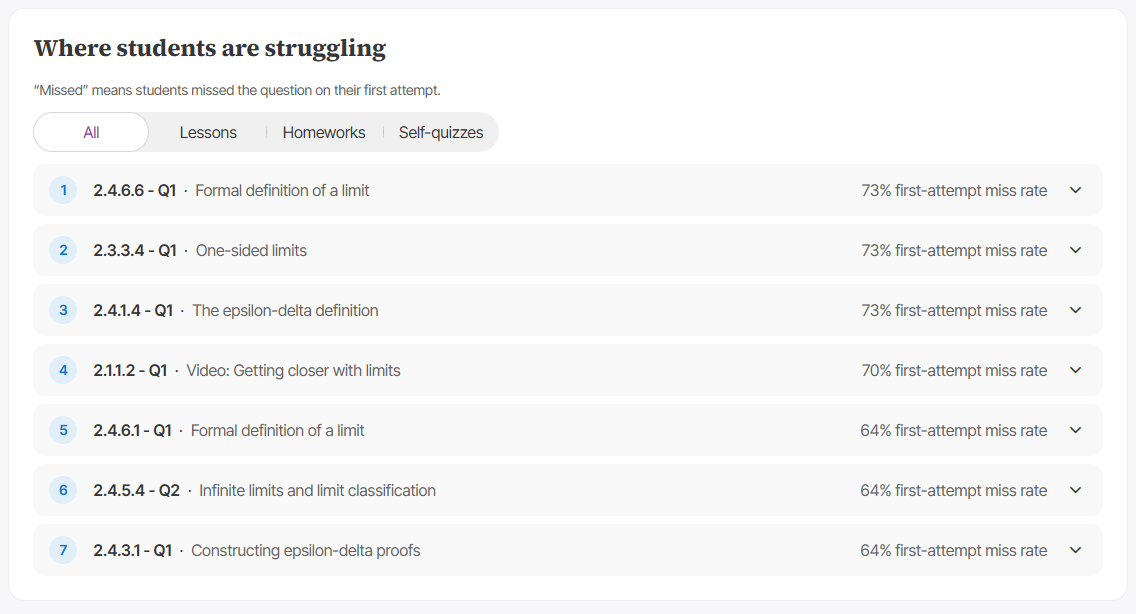
| Student learning analytics | Written homework shows each student's work, but grading it takes time, so feedback reaches students late. Online homework platforms show scores and usually each student's answers. | Progress for each student on each task, plus a Chapter Summary for each chapter showing how the class is doing and which questions students miss most often. From the Roster page, you can also download a CSV file of each student's question attempts, including their answers. |
The content is also designed by mapping backward from the skills that students will need to demonstrate on exams. Lessons lead into homework, and homework leads into quizzes, so students practice the kinds of problems they will be tested on.
The structure will still feel familiar. The table of contents is organized into chapters and modules, much like the chapters and sections of a book, and you can teach through it in order.
Related: Implementation approaches, and underlying principles.
Was this article helpful?
That’s Great!
Thank you for your feedback
Sorry! We couldn't be helpful
Thank you for your feedback
Feedback sent
We appreciate your effort and will try to fix the article